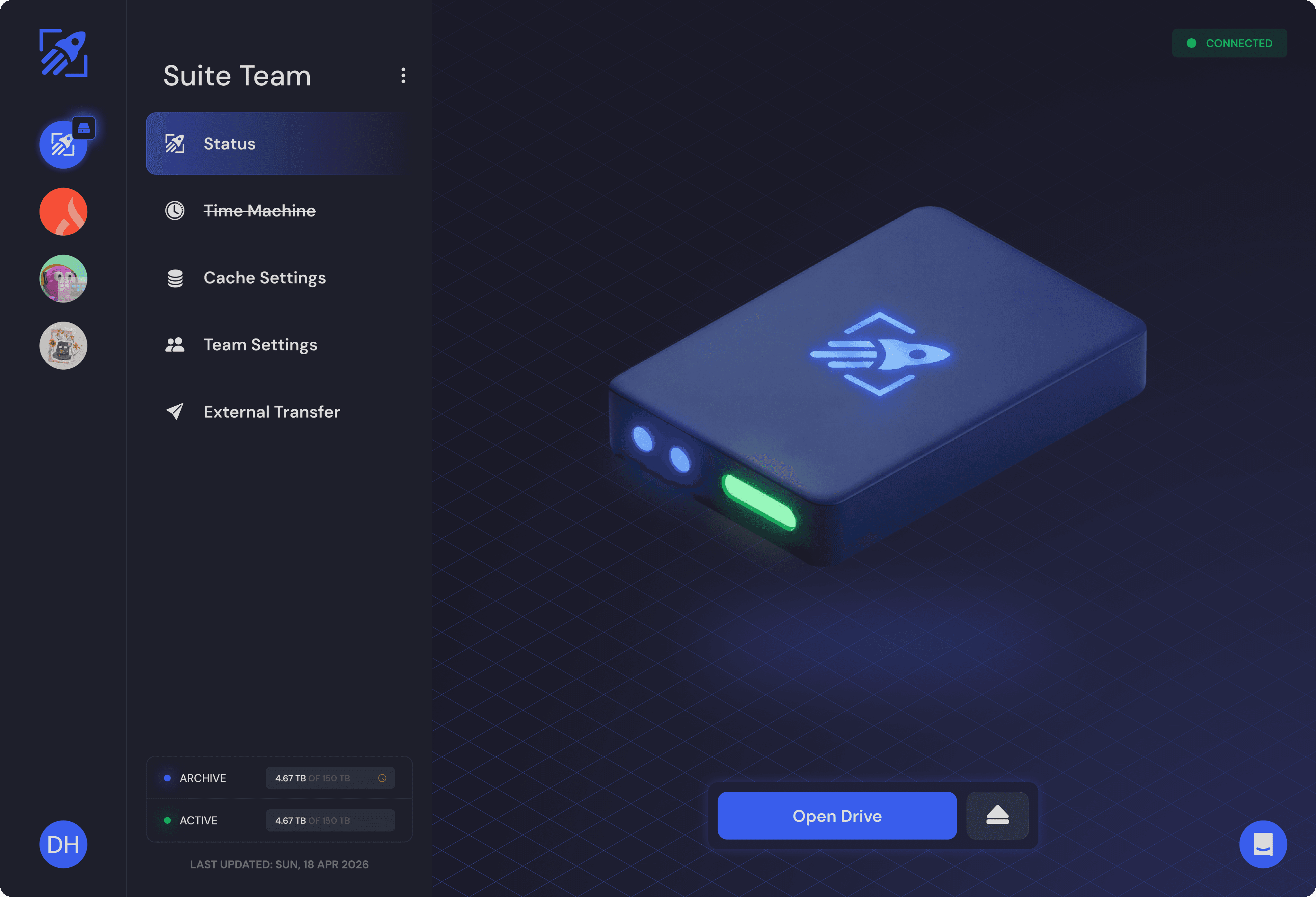
Instantly Enable File Streaming For Object Storage

Stream files natively from any object storage - no migration required. Works with all S3-compatible buckets, tools, and custom workflows.

S3 NATIVE

This isn’t “Mounting S3”
It’s S3 Native File Streaming

You’ve likely seen tools that claim to “mount S3” before. Most simply expose storage through a thin local filesystem layer. That may work for light access—but these tools can’t handle the pressure of real-world media workflows with large files, shared projects, and global teams operating at scale.
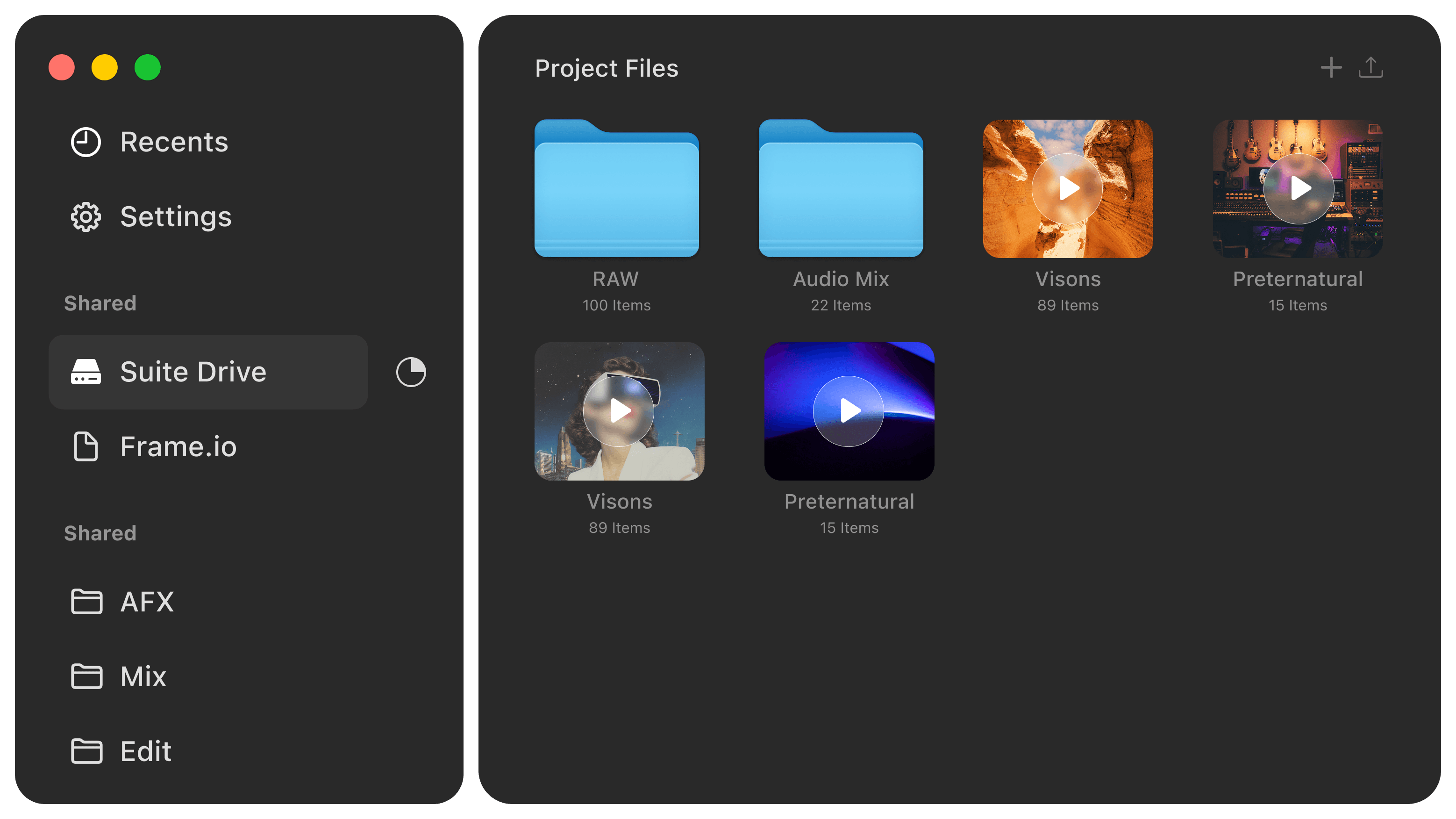
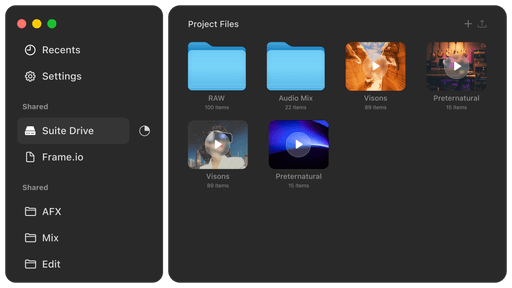
Suite is different.

We started with a cloud-native filesystem. With proven expertise in file streaming and object storage, we’re now applying this architecture directly to native object storage.

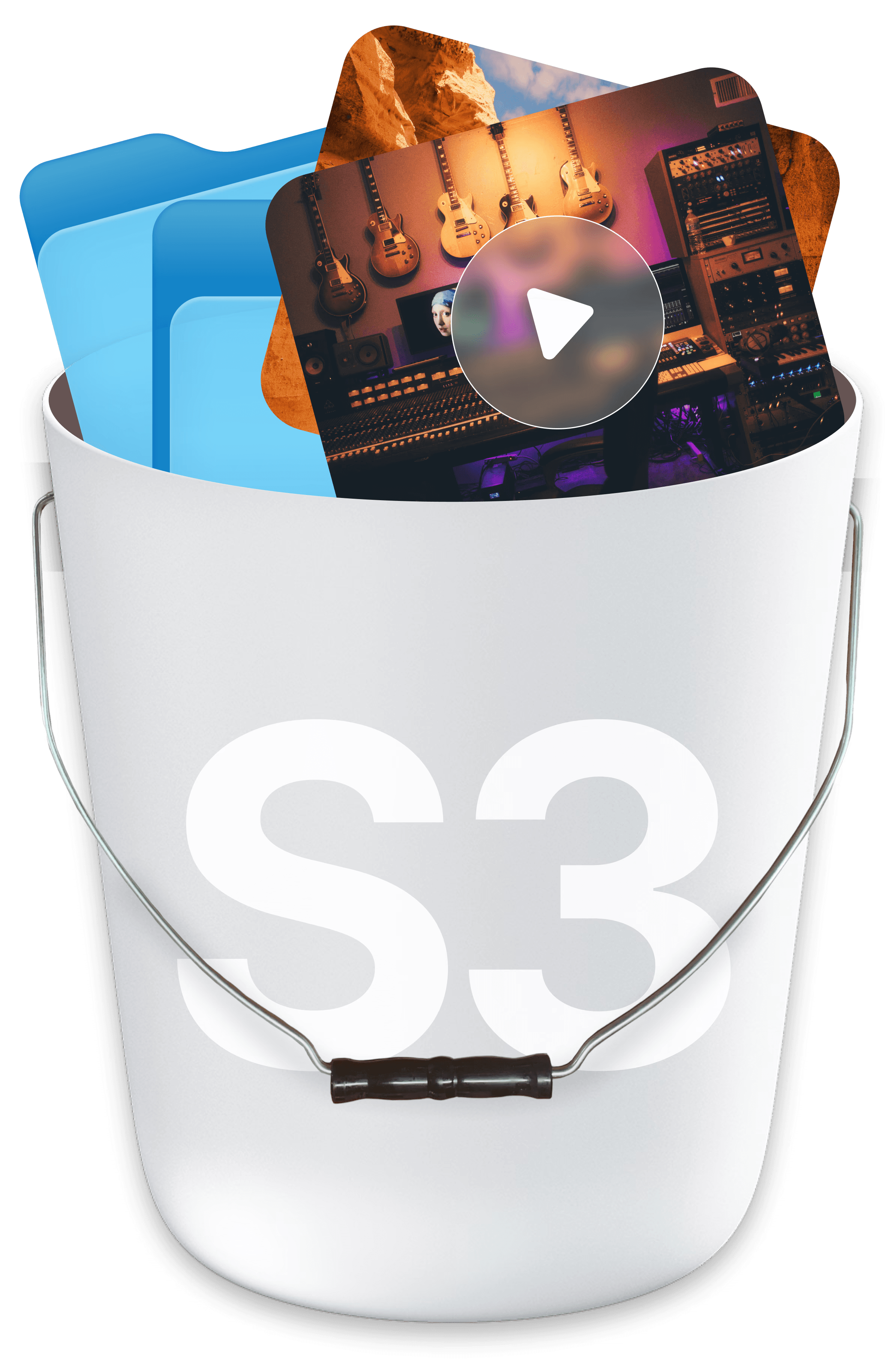
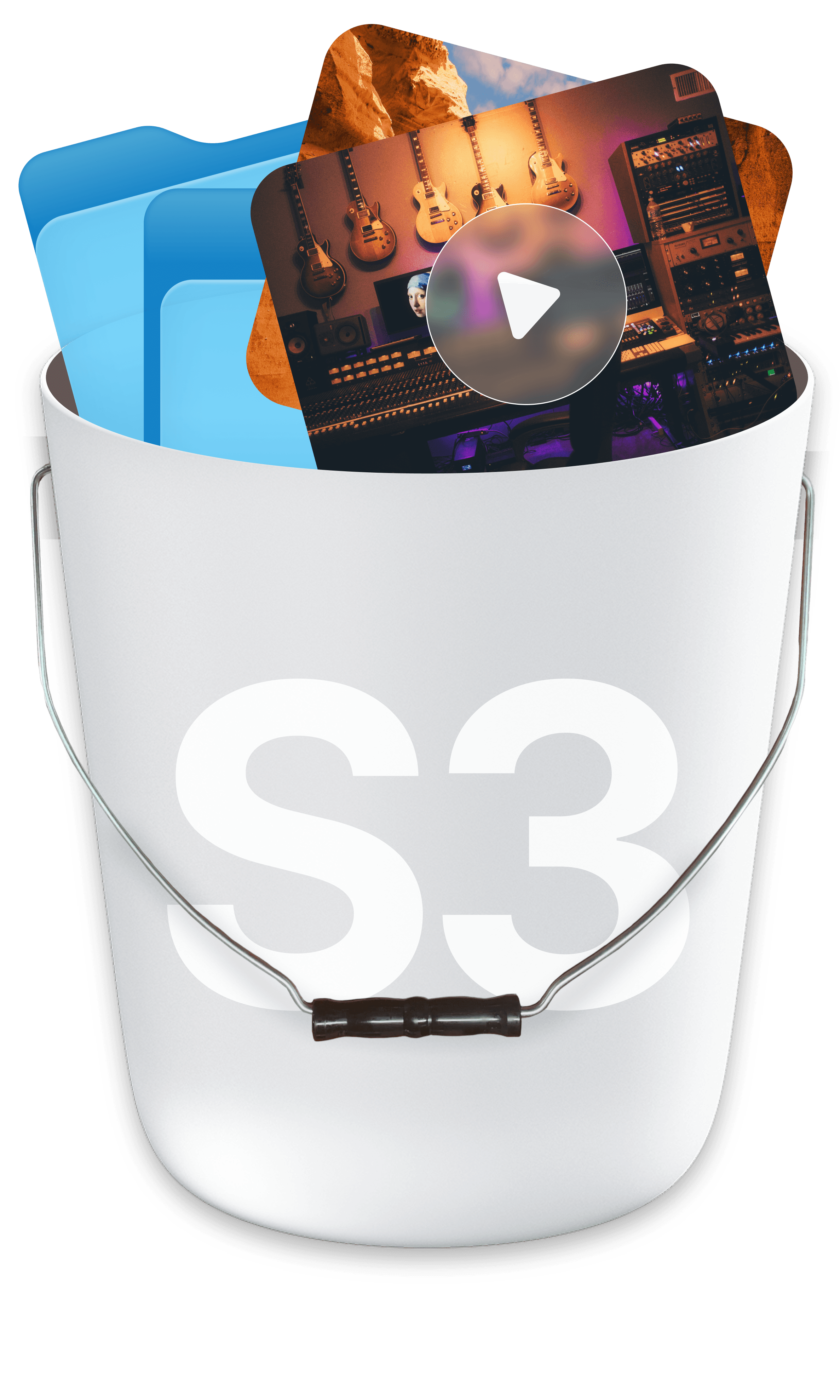
Objects in S3 Bucket

Files remain as standard objects in any S3-compatible bucket, while Suite delivers a filesystem experience that performs at any scale.
NO MIGRATION

Why Choose Suite for File Streaming?

Suite reads and writes standard objects from any S3-compatible object storage. Teams can enable Suite directly on top of their current storage in minutes and leverage it alongside real workflows.

Cloud & On-Prem

Works with cloud & on-prem object storage

No Duplication

No migration or data duplication between buckets

Access

Consistent, reliable global file access

Workflows

Built for shared, high-output creative workflows

Security

Enterprise security comes standard (SSO, MFA, TPN, SOC 2)

Intuitive UI

work directly in Finder or File Explorer

Designed to work seamlessly with

SCALABILITY

Instant Integration with Every Workflow

SEAMLESS ADOPTION

Who benefits from S3 Native File Streaming?

Teams with Complex Workflows

Suite adds file streaming wherever data already exists - without forcing teams to change how they work.

Suite adds file streaming wherever data already exists - without forcing teams to change how they work.

  • Existing systems operate on the same underlying object storage and don’t need to be updated

  • Remove fragile integrations, translation layers, and duplicate storage to simplify file-based workflows

  • Works natively alongside MAMs, DAMs, render farms, automations, and custom systems

Teams with Cloud Object Storage (AWS, GCP, Backblaze, etc.)

Suite brings local-style performance to cloud object storage.

Suite brings local-style performance to cloud object storage.

  • Work directly on data already in object storage - no staging, syncing, or rehydration

  • Reduce complexity across organizations and systems as workflows scale

  • Retain ownership of your data and manage access with native policies and control

Teams with On-Prem Object Storage

Suite maintains existing local access while providing the remote capabilities and flexibility of the cloud.

Suite maintains existing local access while providing the remote capabilities and flexibility of the cloud.

  • Teams work from the same global namespace across any distance

  • Users on-prem work directly against on-prem systems at LAN-speed, independent from Suite

  • Seamlessly allow remote users to work directly with the same underlying data via Suite

  • No additional hardware required - enable remote collaboration without redesigning environments
S3 NATIVE

How To Add Suite
To Object Storage

How To Add Suite
To Object Storage

Step 1

Step 1

01

03

04

02

01

03

04

02

Select Your Bucket

Any s3 compatible object storage - including existing buckets that contain files

Grant Access

You maintain full control of your data

Connect it to Suite

No data migration or reconfiguration required

Start Working -

Stream data instantly from object storage

01

03

04

02

01

03

04

02

Step 1

Step 1

Get Your Template and Remix

Pick a Bucket

Acquire the "Lanzo" template from the FramerMarketplace. It's designed for a quick start.

Including existing buckets that contain files

01

03

04

01

03

04

Step 2

Step 2

Edit the Template

Grant Access

Acquire the "Lanzo" template from the FramerMarketplace. It's designed for a quick start.

You maintain full control of your bucket

01

03

04

02

01

03

04

02

Step 3

Step 3

Ensure Reponsiveness

Connect it to Suite

Acquire the "Lanzo" template from the FramerMarketplace. It's designed for a quick start.

No data migration or reconfiguration required

01

03

04

02

01

03

04

02

Step 4

Step 4

Publish Your Site

Start Working

Acquire the "Lanzo" template from the FramerMarketplace. It's designed for a quick start.

Stream data instantly from object storage

It's that easy.

It's that easy.

FAQ

Get All Your S3 Native
Questions Here

Suite reads and writes standard objects from any S3-compatible object storage. Teams can enable Suite directly on top of their current storage in minutes and leverage it alongside real workflows.

What is S3 Native File Streaming on Suite?

How does Suite work with other tools, systems, and custom workflows?

Do I have to migrate my data?

Does Suite work with any S3-compatible object storage?

Does Suite work with on-prem object storage?

Can other S3-compatible tools read and write to the same bucket?

How is Suite different from S3 mounts or S3 sync tools?

What happens if data is modified outside of Suite?

Does Suite handle partial reads and writes?

What is Object Storage?

What security & administrative features are included with Suite?

What is S3 Native File Streaming on Suite?

How does Suite work with other tools, systems, and custom workflows?

Do I have to migrate my data?

Does Suite work with any S3-compatible object storage?

Does Suite work with on-prem object storage?

Can other S3-compatible tools read and write to the same bucket?

How is Suite different from S3 mounts or S3 sync tools?

What happens if data is modified outside of Suite?

Does Suite handle partial reads and writes?

What is Object Storage?

What security & administrative features are included with Suite?

What is S3 Native File Streaming on Suite?

How does Suite work with other tools, systems, and custom workflows?

Do I have to migrate my data?

Does Suite work with any S3-compatible object storage?

Does Suite work with on-prem object storage?

Can other S3-compatible tools read and write to the same bucket?

How is Suite different from S3 mounts or S3 sync tools?

What happens if data is modified outside of Suite?

Does Suite handle partial reads and writes?

What is Object Storage?

What security & administrative features are included with Suite?

Join the Waitlist

Join our private beta waitlist, watch a product demo, and get ready to experience a seamless workflow.

Get started

Try Now

Get Started Today

Free For 14 Days

Ready to experience File Streaming? Sign up today, invite your team, and start creating your best content.

Try Now

Get Started Today

Free For 14 Days

Ready to experience File Streaming? Sign up today, invite your team, and start creating your best content.

Try Now

Get Started Today

Free For 14 Days

Ready to experience File Streaming? Sign up today, invite your team, and start creating your best content.